Alliance Intelligence
Inside FortiGate
The OneFirewall WCF Agent for FortiGate delivers live Alliance threat intelligence directly into Fortinet FortiOS via External Dynamic Lists (EDLs) — automatically creating and updating dynamic address groups for real-time policy enforcement.
FortiGate Setup Guide
Generate JWT Token
Log into your OneFirewall Alliance dashboard → Install Agent → FortiGate → Generate JWT Token. This authenticates your FortiGate External Connector requests to the Alliance API feed URLs.
Configure External Connectors
In FortiOS, navigate to Security Fabric → External Connectors → Add New. Select "Threat Feed" type, enter the Alliance IP feed URL, add your JWT Bearer token as an HTTP header, and set the refresh interval to 5 minutes.
Apply in Firewall Policies
Use the External Connector as a source or destination address object in your firewall policies. Enable the policy and FortiGate will automatically refresh and enforce against the live Alliance feed — blocking malicious IPs in real time.
# FortiOS CLI configuration
config system external-resource
  edit "OFA-IP-Blocklist"
    set type address
    set resource "https://app.onefirewall.com/
      api/v1/feed/ips?score=190&plugin=fortigate"
    set username ""
    set password ENC // JWT token here
    set refresh-rate 5
    set status enable
  next
end

# Verify
diagnose sys external-resource list
✔ OFA-IP-Blocklist [active] 1,847,293 entries
The same connector can be set up from the OneFirewall dashboard's Install Agent screen:
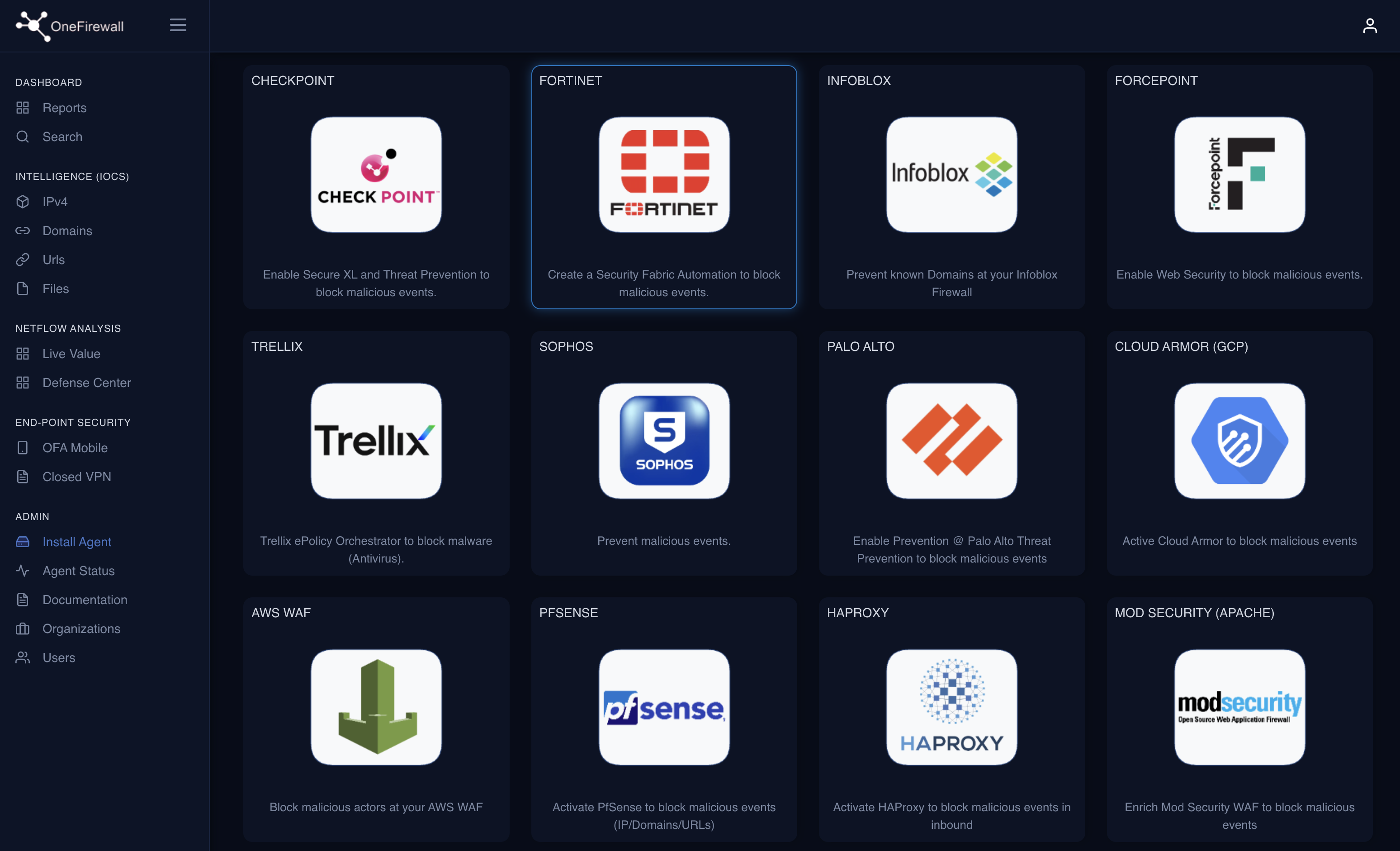
Select Fortinet from the list of supported integrations.
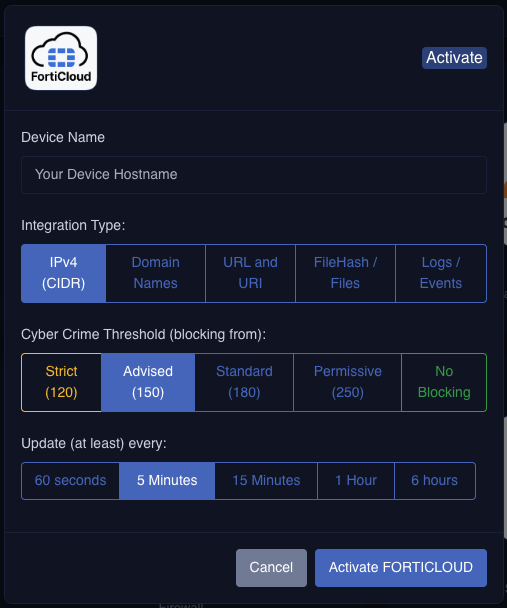
Set the integration type, Crime Score threshold and refresh interval, then activate.
Activate Alliance Intelligence on FortiGate
FortiGate External Connectors are built for exactly this. OneFirewall Alliance provides the threat intelligence. Let us configure it together in a Proof of Value.